Free Client File Name Standardiser (Python)
What this is
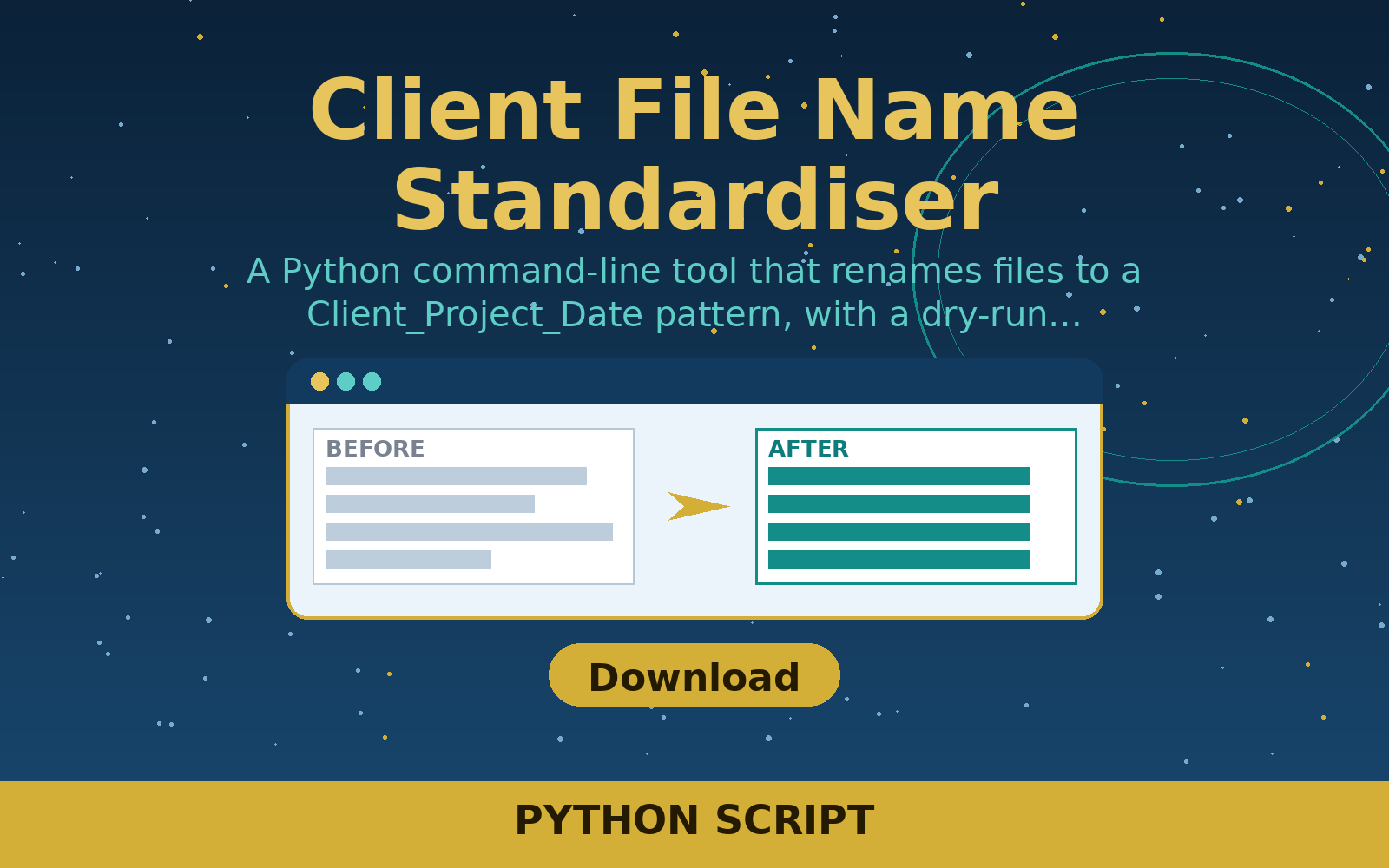
A Python command-line tool that renames files to a Client_Project_Date pattern, with a dry-run mode that previews changes first. For freelancers tidying messy client folders.
Free in full — download it and use it on your own freelance work.
User manual
- Back up the folder first, or test on copies.
- Run with --dry-run to preview the new names without changing anything.
- Run again without --dry-run to apply the renames.
- Check the renamed files match the Client_Project_Date pattern.
- Use --client and --project to set the names used in every file.
Requirements
Python 3.8 or later. No extra packages needed.
Download details
Format: Python script
What is inside: standardise_names.py (Python standard library only), README.txt with examples.
This download is one ZIP containing the Python file plus the README. Unzip it, then run the tool with Python 3 — the README inside the zip gives the exact command.
Download free — client-file-name-standardiser.zip (1.2 KB)
- client-file-name-standardiser.zip — 1.2 KB
Questions
Does it delete files?
No. It only renames files in the folder you point it at. Nothing is deleted.
What date does it use?
Each file's last-modified date, in YYYY-MM-DD format, so the name reflects when the file was last worked on.