Free Freelancer Receipt Organizer Tool
Python Tool Runs locally — files stay private

What this is
Who it's for: Freelancers keeping receipt files organised for tax time who are comfortable running a Python command.
Sort a folder of receipt images and PDFs into Year/Month folders, rename each one date-vendor-amount, and get a CSV log for tax-time record keeping — with Python 3, fully offline.
Free in full — download it and use it on your own freelance work.
Safety: this tool runs locally on your own computer in plain Python — your files stay private and nothing is uploaded. NO OCR: this tool never reads text inside an image or PDF. Date, vendor and amount come from the FILE NAME only. Files whose names carry no usable date or vendor are flagged needs_review=YES in the CSV log instead of being guessed. Accepted files are .jpg, .jpeg, .png and .pdf only; other files are skipped and reported, not moved. The CSV log is a plain record of what was filed. It is not a tax return and this tool is not tax advice.
User manual
- Put your receipt images and PDFs in one input folder.
- Run: python3 receipt_organizer.py <input_folder> <output_folder> (add --dry-run first to preview without moving anything, or --copy to keep the originals in place).
- Find the organised receipts in Year/Month folders, and the log as receipt-log.csv in the output folder.
- Check any row flagged needs_review=YES and rename those files with a date and vendor, then re-run.
Requirements
Python 3.8 or newer; no extra packages needed; nothing is uploaded anywhere.
Download details
Format: Python Tool
What is inside: receipt_organizer.py + README.md + samples/ (5 sample receipt files) + cover.png
Download free — receipt_organizer.py (9.7 KB)
How to run this tool, step by step →
Safety: this tool runs locally on your own computer in plain Python — your files stay private and nothing is uploaded.
- receipt_organizer.py — 9.7 KB
- README.md — 4.3 KB
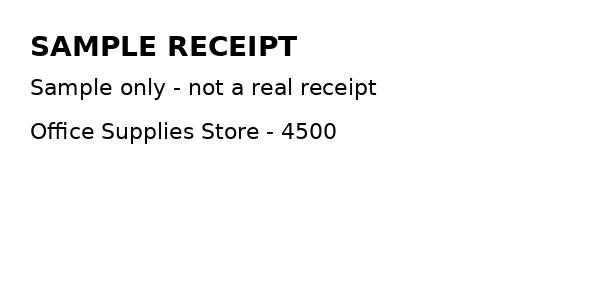
- samples/2026-01-12-office-supplies-store-4500.jpg — 11.9 KB
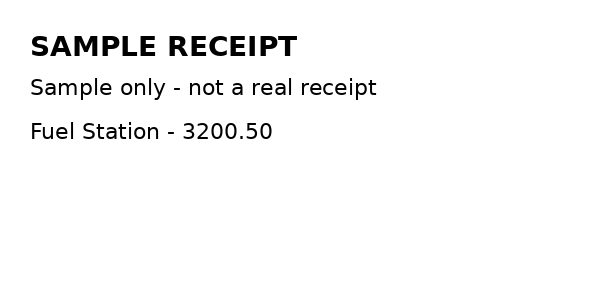
- samples/2026-02-05-fuel-station-3200.50.png — 10.1 KB
- samples/2026-02-20-internet-provider-8500.pdf — 567 B
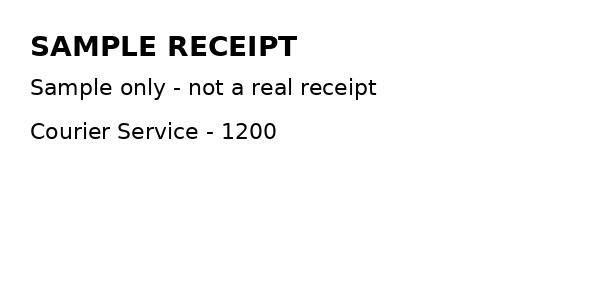
- samples/20260315-courier-service-1200.jpg — 11.3 KB
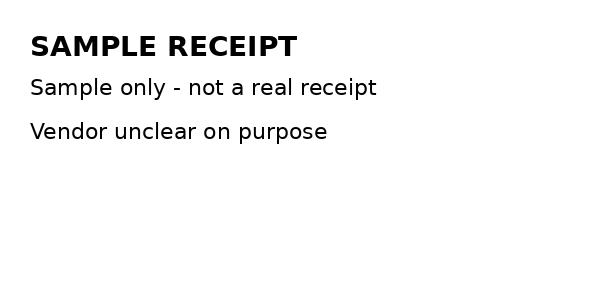
- samples/IMG_20260310.jpg — 11.8 KB
Questions
How does it know the date, vendor and amount?
From the FILE NAME only. There is no OCR and no reading of text inside an image or PDF.
What happens to files it cannot parse?
They are flagged needs_review=YES in the CSV log instead of being guessed. Rename them with a date and vendor, or supply a vendor map as described in README.md, and re-run.
Does it move or copy my originals?
By default it organises the files into the output folder. Add --copy to keep the originals in place, or --dry-run first to preview without moving anything.
Which files does it accept?
Only .jpg, .jpeg, .png and .pdf. Other files are skipped and reported, not moved.
What are the sample files for?
The samples/ folder holds five small sample receipt files made for testing only — clearly labelled samples, not real receipts, containing no real purchase data.